The Agent That Goes Shopping For Tools
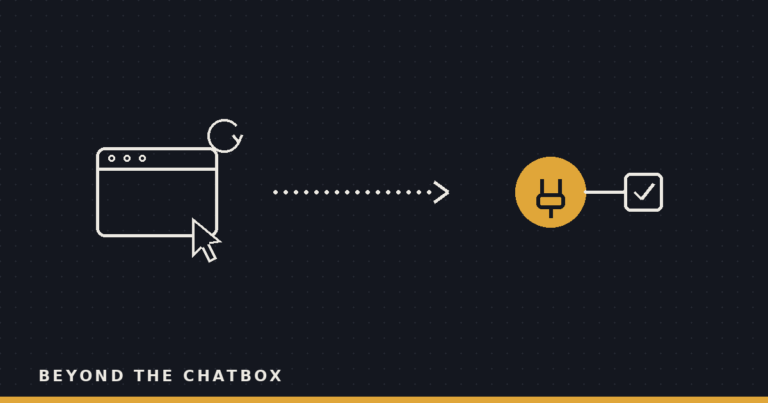
Ask Claude to pull something from Canva and, if you’ve never connected Canva, you’d expect one of two answers. Either it tells you it can’t, full stop, or it opens a browser and starts clicking around like an intern with no login. It does neither. First it checks whether there’s an actual connector for Canva, and if one exists, it says so before it tries anything else.
That’s a small habit, but it changes what “I can’t help with that” actually means.
“No tool for that” used to be the end of it
For most of this site’s run, the gap between what Claude can reach and what you asked for has been a hard wall. No Jira connector, no Jira access, end of conversation. You’d go install the thing yourself, or you’d give up and do the task by hand. The agent’s honesty about its own limits was the best you could hope for.
That’s still mostly true. But the wall has a door in it now, and Claude checks the door before it tells you the room is locked.
The registry it’s actually checking
Behind the scenes, Anthropic keeps a catalog of known connectors, the same kind of MCP servers that plug Claude into Gmail, Notion, Asana, Dropbox, and dozens of other services. When a task clearly needs an outside app and Claude doesn’t already have a live connection to it, it searches that catalog by name, mid-task, the way you’d search an app store instead of guessing whether an app exists.
If it finds a match, it doesn’t just note that one exists somewhere. It surfaces the specific connector and asks if you want to add it, right there in the conversation you’re already having, instead of pointing you toward a settings page to go figure out on your own.
Shopping first, browsing last
The reason this matters isn’t the convenience, though that’s real. It’s the order of operations. A connector is a purpose-built pipe into a service’s actual API: fast, structured, and scoped to specific actions someone deliberately exposed. A browser session clicking through a web app is none of those things. It’s slower, it can be fooled by a redesigned page, and it can technically do more than you meant to allow.
Checking the registry first means the fallback to clicking around a browser is exactly that, a fallback, tried only after the better option has been ruled out. Get the order backwards and you’d have an agent reaching for the riskiest tool in the drawer as its first move instead of its last resort.
The part that’s easy to miss
None of this means Claude is quietly installing things on your behalf. Finding a match in the registry ends in a suggestion, not an install. You still see the specific connector it found, and you still say yes or no. The shopping happens automatically. The purchase doesn’t.
That distinction is the same one this site keeps coming back to with every new capability: the agent can go look, and it can go recommend, but the step that actually changes what it’s allowed to touch stays yours to approve.
Why this matters
The old failure mode for “no tool for that” was a dead end that sent you off to solve your own problem. The new one is a suggestion you can accept or ignore in the same breath as the request. That’s a small shift in mechanics and a real shift in what delegation feels like. You’re not the one who has to know which connector exists for which app. You just have to say the task out loud, and let the agent go check what’s on the shelf before it decides how to get there.