The Workstation With Its Own Rulebook
One CLAUDE.md file sounds efficient right up until it has to hold “match the formality of whoever I’m replying to” and “avoid anything that trips an AI-content detector” at the same time. Those are both real rules. They just have nothing to do with each other, and stapling them into one document means Claude is scanning past half its instructions on every single task.
The fix wasn’t a smarter file. It was more files, each one scoped to a job.
The file that tried to do everything
A single root CLAUDE.md can hold general standing instructions fine: how to handle memory, how to decide what’s worth writing down versus what’s just a fact that might change. But the moment you add “always match the tone of the email you’re replying to” next to “always build a branding card for every blog post,” you’ve got two unrelated jobs sharing one rulebook. Neither rule is wrong. They just belong to different rooms.
What a workstation actually is
The setup that replaced it is a subfolder per job, each with its own CLAUDE.md and MEMORY.md. AI Blog Posts is one. Email HQ is another. Each CLAUDE.md follows the same shape: an identity paragraph saying what routes here and what doesn’t, a table of reference files to read and when, a numbered workflow for the main task, and editorial rules that always start by pointing back to a shared voice-principles file before anything else gets written. Each MEMORY.md tracks contacts and past decisions specific to that job, not a shared pile with everyone else’s.
The blog workstation’s rulebook includes things like “avoid AI-detector flags” and “build a branding card for every post.” Email HQ’s would include the reply-in-the-same-thread rule and the tone-matching rule. Neither file needs to know the other exists.
The routing map is what makes it automatic
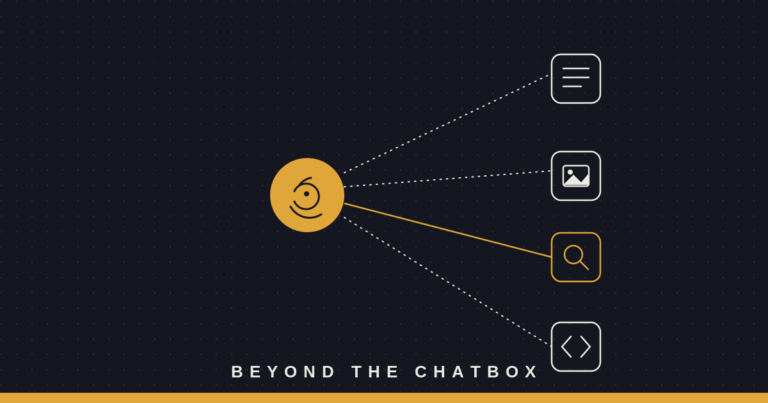
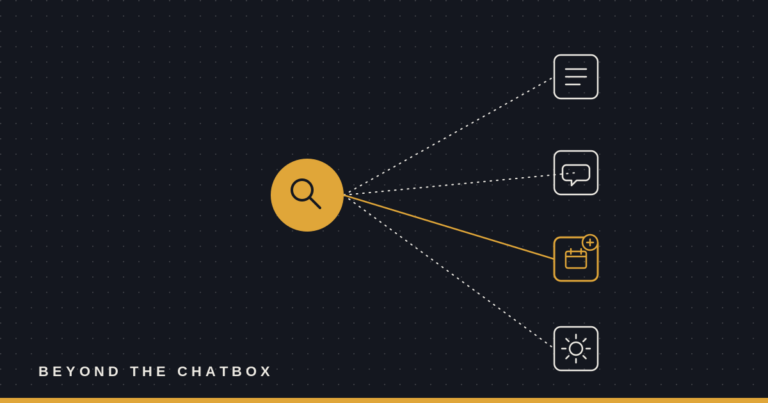
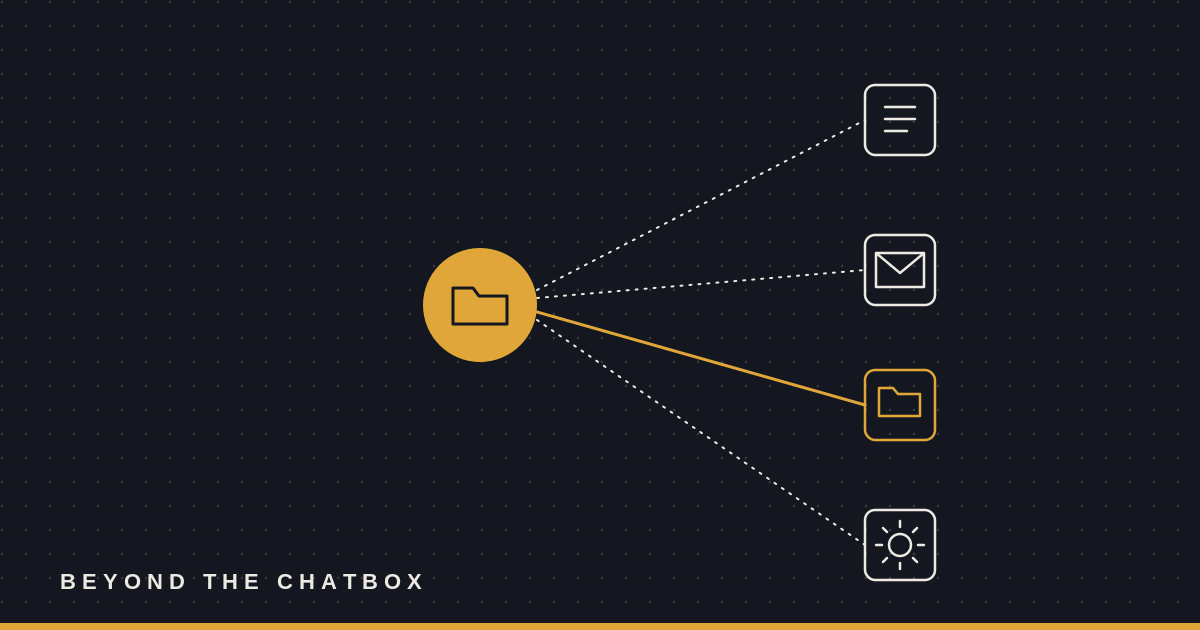
None of this works if you have to remember which folder to point Claude at every time. That’s what the routing map in the root CLAUDE.md is for: a short table that says, in effect, “when I’m doing X, load the folder for X.” Ask for a blog post idea and the AI Blog Posts folder loads. Ask for a reply to a client and Email HQ loads instead, with its own rules coming along for the ride. Adding a new workstation is just adding a row.
Rules that stop leaking into the wrong job
The real payoff isn’t organization for its own sake. It’s that a rule built for one job can’t accidentally fire in another. “Don’t use bullet points in this style of writing” for the blog shouldn’t quietly bleed into a client email that actually needs a bulleted list of next steps. Keeping the rulebooks separate means Claude is only ever holding the instructions that apply to the thing in front of it, not weighing every rule you’ve ever written against every task you’ve ever asked for.
Why this matters
A single instruction file scales fine until you’re doing more than one kind of work through the same agent, and most people end up doing several. Splitting into workstations isn’t about neatness. It’s about making sure the rule for how to write a blog post never quietly overrides the rule for how to write an email, just because they happened to live in the same file.