Letting AI Drive the Mouse
The first time you watch an AI agent move a cursor across your screen on its own, it’s a little unnerving. It clicks a button, waits, scrolls, types into a field, all without your hand anywhere near the keyboard. That’s “computer use”: an agent operating a screen the same way you would, instead of calling an API behind the scenes.
It’s a real capability, and sometimes it’s the only option. But it’s worth understanding why it’s the fallback move, not the first one, especially now that connectors exist for so much of what people want automated already.
What computer use actually is
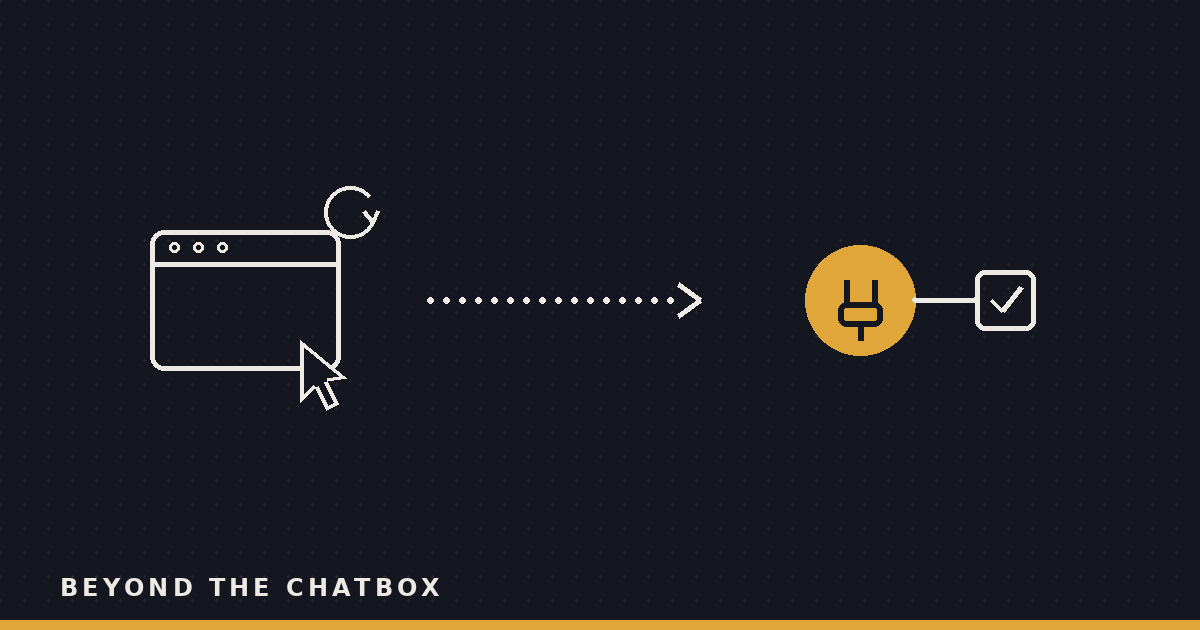
Strip away the demo polish and the loop is simple: take a screenshot, look at it, decide where to click or what to type, act, then take another screenshot to see what happened. Repeat until the task is done.
Nothing about that loop involves structured data. The agent isn’t querying a database or reading a response object with named fields. It’s looking at a picture of a screen and making a judgment call about where the “Submit” button probably is, the same way you’d talk someone through a form over the phone: click the blue one, third row down, next to the date field.
That works. It’s just a slower, fuzzier way of getting something done than asking the software directly for what you want.
Why it exists at all
Plenty of software has no API, and never will. Internal tools built a decade ago, niche vendor portals, government sites, that one supplier’s ordering system that still runs on a login page from 2011. If an agent needs to get something done in a place like that, clicking around the interface is genuinely the only way in. Nobody’s shipping an API for it, so the agent has to work with what a human would see and use.
It’s a legitimate use case, just a narrower one than the marketing around “AI that uses a computer” tends to suggest.
Where it breaks down
Every step in the screenshot-decide-click loop costs time, since each one means rendering the screen, reasoning about pixels, and confirming the click landed where it was supposed to. An API call that returns a data object is close to instant by comparison. Multiply a few seconds of overhead across twenty steps and a task that would take an API-backed tool a couple of seconds now takes minutes.
Speed is the least of it, though. The bigger problem is that pixel-based automation has no idea what anything actually is, only where it appears to be. Move a button ten pixels, add a promotional banner, pop up a cookie modal, and a click that worked yesterday lands on nothing today. An API endpoint for “submit this form” doesn’t shift around based on a redesign. A button that looks like a submit button might.
The fragility compounds once the agent has to extract information instead of just clicking. Pulling forty rows out of a table on screen means transcribing what a screenshot shows, not querying rows from a database, and transcription from an image is exactly the kind of task where small errors sneak in unnoticed. Every action also lands on a live interface, not a sandbox, so a misread carries a real cost: the wrong row selected, a form submitted before every field was checked, a confirmation dialog dismissed without anyone reading what it said.
Why a connector gets there faster and cleaner
A connector skips all of that by talking to the application’s actual interface for programs, not the one built for human eyes. Ask an agent with a connector to read your last three emails from a vendor, and it queries the mail service directly and gets back structured messages, sender, subject, body, timestamp, no guessing about which rectangle on screen holds which piece of text.
That same directness is what keeps permissioning sane, too. “This connector can search email and create drafts” is something you can reason about and revoke. “This AI can click anywhere on this screen” is a much harder thing to bound, because the interface wasn’t designed with a boundary in mind, it was designed for a person who was assumed to know what they meant to click.
Same underlying job, both cases. One route asks the software directly and gets a precise answer back. The other watches a screen and infers.
The order a well-built agent should work in
If a dedicated connector exists for the app, that’s the move: fastest, most reliable, easiest to scope. If it’s a web app without a connector, reading the page’s actual structure still beats guessing from a screenshot, since the agent can find “the button labeled Submit” directly rather than estimating where a Submit-shaped rectangle probably sits. Full computer use, an actual simulated mouse moving pixel by pixel, is what’s left over for native desktop software and legacy systems that don’t expose any of that: no API, no accessible page structure, nothing to read but the screen itself.
None of this makes computer use a lesser capability. It’s the right call in situations where nothing better exists to reach for. The problem is only when it gets used as the default instead of the last resort, on a site or app that had a faster, sturdier way in the whole time.
Why this matters in practice
Any time an agent takes the pixel-clicking route for a job a connector could have handled directly, that’s slower, more fragile, and harder to reason about than it needed to be, for no gain. The capability earns its place in the toolbox, but only for the jobs nothing else can reach, not for every job that happens to have a screen attached to it.
Worth asking, next time you watch an agent click its way through a task: was that the only way in, or was there a faster door it walked past to get there?