It Works in a Copy So the Original Stays Safe
Ask Claude to hand a risky refactor to a subagent, and there are two ways that work could land. It could edit the files sitting right in front of you, the same ones open in your editor, with changes showing up before anyone’s decided whether they’re any good. Or it could go do that work somewhere else entirely, a folder you’ll never even open unless the result turns out to be worth keeping.
The second option is the one built in.
A copy, not a clone
Git has a feature called a worktree that most people never touch directly. Instead of checking out a different branch in the same folder, overwriting the files you’re currently looking at, a worktree checks that branch out into a separate folder on disk. Same repository, same history, but two working copies that can’t step on each other. One stays exactly as you left it. The other is free to get messy.
That’s the mechanism Claude reaches for when a subagent needs room to experiment.
What actually happens
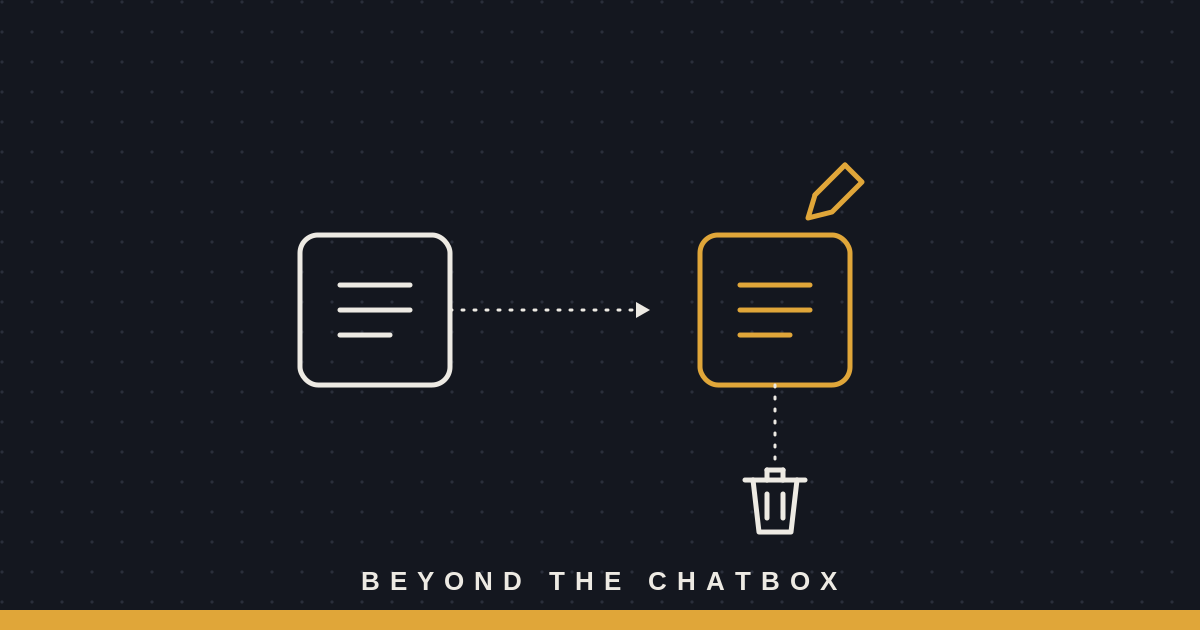
Hand a task to a subagent with isolation turned on, and it doesn’t touch your working directory at all. It gets its own worktree, checked out on its own branch, and every edit, every file it creates, every command it runs happens there instead. You could be mid-refactor yourself, files half-saved, and the subagent’s work would never cross paths with yours.
The main agent still sees the result. It just sees it as a separate branch sitting off to the side, not as changes that already landed in the copy you’re working from.
The cleanup you don’t have to remember
Here’s the part that would be easy to skip if a person had to do it by hand: if the subagent finishes and never actually changed anything, the worktree gets deleted automatically. No orphaned folder, no stray branch cluttering up the repo, no reminder to go clean up after an experiment that didn’t pan out.
If it did change something, the worktree sticks around, and Claude reports back exactly where it lives and what branch it’s on. Nothing worth keeping disappears, and nothing not worth keeping hangs around either.
Why not just edit in place
The honest answer is speed. Editing the real files directly is simpler and it’s what you’d do yourself. But a subagent working on a genuinely uncertain task, one where the fix might be wrong or the refactor might not hold up, is exactly the case where you don’t want its first draft landing in the same place as the version you trust. Containing where the risk can land is worth the extra folder.
Why this matters
This site keeps coming back to the same idea in different clothes: giving an agent real capability doesn’t have to mean giving it an unlimited blast radius. A worktree is a small, almost boring piece of infrastructure, but it’s doing the same job as a read-only subagent or a permission you didn’t grant. It lets the work happen for real- edits, commands, actual output- without betting the one copy you care about on whether that work turns out to be any good.