How to Handle a Skill That Runs in the Background
Most of the time, triggering a skill feels instant. You type a name, or your request matches one closely enough, and the instructions load right into the conversation you’re already having. Same chat, same reply, just with better instructions behind it.
Some skills don’t work that way. Trigger one of those, and instead of an answer, you get back a name. That’s it. No content, no draft, no result. The actual work is happening somewhere else, in a separate agent that Cowork spun up just for this, and whatever it produces shows up later as a notification instead of the next line in your chat.
That’s disorienting the first time it happens, mostly because nothing in the interface tells you to expect it. Here’s what’s actually going on, and what to do with it.
Why a skill would hand off instead of just answering
Some tasks are long enough that finishing them inline would mean sitting on a frozen conversation for minutes at a time. Deep research, a multi-step build, anything that has to work through a real sequence of steps rather than produce one quick answer. Running that kind of task in the main chat would block you from doing anything else until it’s done.
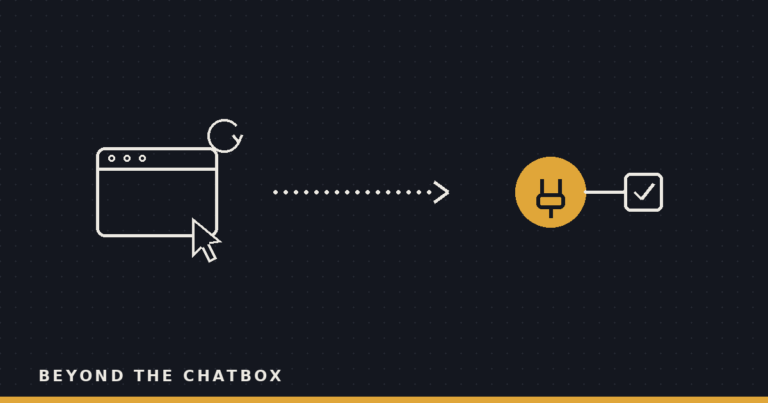
Handing it to a background agent solves that. The task keeps running, but your conversation doesn’t have to wait on it. You get the name of the agent that’s now doing the work, and you’re free to keep talking, ask something unrelated, or close the window entirely.
What you actually see
Three things, in order. First, the name of the agent, nothing else, right when you trigger the skill. Second, silence in that conversation, because the work isn’t happening there anymore. Third, a task notification, arriving whenever the agent actually finishes, with the real result attached.
That middle step is the one that trips people up. It looks like nothing happened. It’s tempting to trigger the skill again, assuming the first attempt didn’t take. Don’t. Triggering it a second time doesn’t check on the first run or speed it up, it starts an entirely separate agent doing the same work twice.
The two rules that matter
Don’t wait on it. The whole reason a skill hands off to the background is so you don’t have to sit there watching a spinner. Treat the agent name as a receipt, not a promise of an immediate reply, and go do something else.
Don’t re-invoke it. If you want to check on progress or nudge the work along, the way to do that is by continuing the named agent directly, not by asking for the skill again from scratch. Asking again is how you end up with two separate runs, two separate results, and a notification that doesn’t match what you were expecting.
Why this is worth knowing before it happens to you
The pattern here is the same one showing up across most of what Cowork does now: work that used to require you to sit and watch it finish is quietly moving to work that finishes on its own and taps you when it’s ready. A scheduled task does this on a timer. A subagent handed off mid-task does this for one narrow piece of work. A background skill does it for the whole job, start to finish.
None of it requires you to babysit less carefully. It requires you to babysit differently, checking a notification instead of a live reply, and trusting that “nothing happened yet” and “nothing is going to happen” are two different states. Once you’ve seen it once, the agent name stops looking like an error and starts looking like exactly what it is: a claim ticket for work that’s already underway.