How to Get Claude to Find You a New Tool When You Don’t Have One Yet
Ask for something that clearly involves another app, “spot issues in my Medicare documentation,” “ping the team that the build is green,” “who’s oncall this week,” and there’s an obvious failure mode: Claude doesn’t have a connector for that yet, and just says so. Task over, back to doing it yourself.
That’s not actually what happens. Before giving up, Claude checks its own connector registry for something that fits, and if it finds one, it puts it in front of you instead of quietly working around it. You don’t have to know the tool exists. You just have to describe the task.
What’s actually happening behind the request
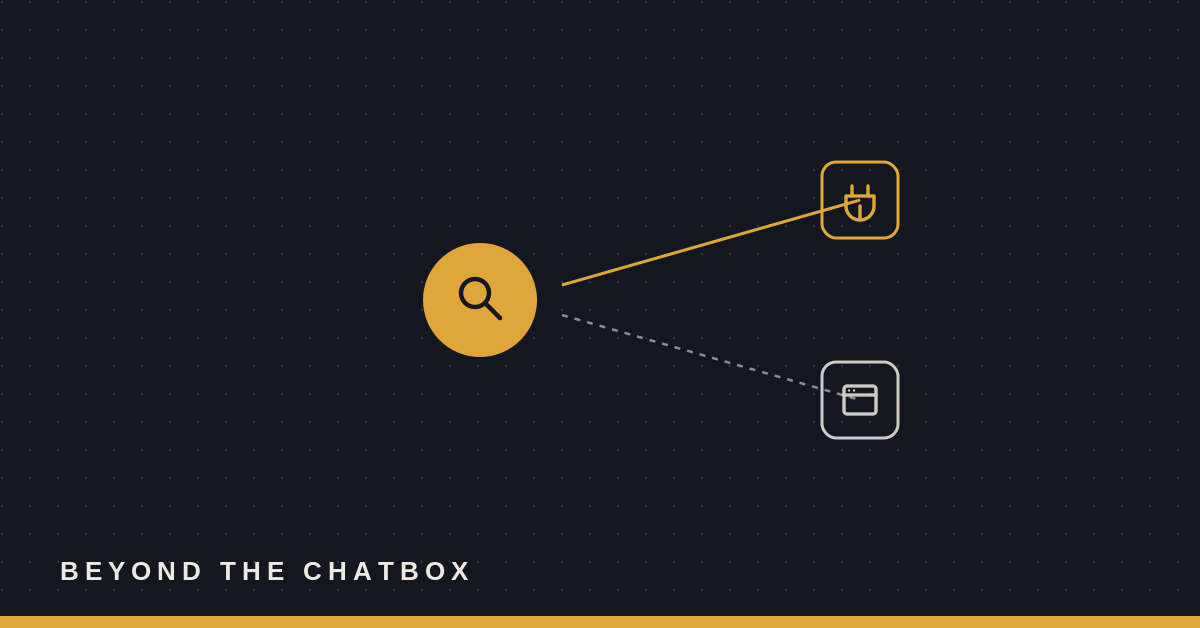
The trigger isn’t the word “connector” or “integration.” It’s any task that implies a specific app or service, whether or not you name one. “Make anything in Canva” names the tool directly. “Who’s oncall this week” doesn’t name PagerDuty or Opsgenie at all, it just describes an outcome that happens to live inside one of those tools. Both get treated the same way: Claude pulls out a few keywords from what you actually asked for and searches its own registry of available connectors before doing anything else.
That search happens even when browsing the open web would technically work. If there’s a real connector for what you’re describing, it’s the better answer, faster, more precise, built for that specific app instead of clicking around a webpage pretending to be a person. The registry search comes first. A browser is the fallback, not the default.
What to actually say
You don’t need special phrasing. The examples that trigger this are just normal requests, described by outcome:
Name the app if you know it. “Make anything in Canva,” “pull this into Notion,” “check Jira for what’s assigned to me.” Naming the tool directly is the easiest case, Claude searches on the name itself along with a couple of related terms.
Describe the task if you don’t. “I want to spot issues in Medicare documentation,” “ping the team that the build is green,” “who’s oncall this week.” None of these name a product. Each one still gets broken into a handful of keywords, medicare/drug/coverage, slack/teams/discord/chat, pagerduty/opsgenie/oncall, and searched the same way.
Skip asking whether a tool exists. You don’t need to check first, and you don’t need to phrase it as “do you have a connector for X.” Just ask for the outcome you want. The registry check is something Claude does on its own before answering, not a separate step you have to request.
What happens after it finds something
A match doesn’t mean the tool gets used immediately. It gets suggested, by name, so you can see what’s on offer before anything connects to your accounts. If nothing relevant turns up in the registry, that’s when Claude drops down a tier: a browser extension if one’s available, or a plain explanation that it can’t do that part yet. The order matters. A purpose-built connector beats a browser doing its best impression of one, every time it’s available.
Why this matters
The old failure mode with an assistant that “doesn’t have a tool for that” was that you had to already know what the tool was called, go find it, and connect it yourself before the assistant could use it at all. Flipping that, searching first, based on what you’re trying to do rather than what you already know to ask for, means the gap between “I want this done” and “here’s the actual tool for it” gets closed automatically, on the first ask, instead of on the second one after you went looking yourself.